 |
omdl
v1.0
OpenSCAD Mechanical Design Library
|
|
omdl
v1.0
OpenSCAD Mechanical Design Library
|
Ordered sequences of geometric transforms as a single composite operation. More...
 Collaboration diagram for Layout:
Files | |
| file | layout.scad |
| Ordered sequences of geometric transforms as a single composite operation. | |
Functions and/or Modules | |
| module | layout_grid_p (t, s, b=zero3d, mode=0, verb=0) |
| A transform sequence to place a child shape. More... | |
| module | layout_grid_rp (t, s, b=zero3d, center=false, mode=0, verb=0) |
| A transform sequence to replicate and place a child shape. More... | |
Ordered sequences of geometric transforms as a single composite operation.
| Requires: |
|---|
| include <omdl-base.scad>; |
| include <transforms/layout.scad>; |
| module layout_grid_p | ( | t | , |
| s | , | ||
| b | = zero3d, |
||
| mode | = 0, |
||
| verb | = 0 |
||
| ) |
A transform sequence to place a child shape.
| t | <datastuct> The transform sequence configuration (see below). |
| s | <integer | integer-list | range> The optional child object selection(s). |
| b | <decimal-list-2:3> The placement reference region (bounding box). |
| mode | <integer> Modifier mode. |
| verb | <integer> Console output verbosity. |
This module performs an ordered sequence of geometric transforms as a single composite operation. Using a transformation configuration list, child objects may be translated, rotated, mirrored, and placed as specified in the table below.
This function is a simplified version of layout_grid_rp() that omits child replication functionality.
An optional bounding box region may be defined to provide a reference frame for layout placement. The layout—also referred to as the bounding box—serves as a positional guide only; placements may extend beyond this region if desired.
The transform sequence is specified as a configuration list with the elements described below. The operation supports both 2D and 3D modes. The configuration list does not need to be fully specified; any unspecified elements are automatically assigned the default values shown in the table.
| e | data type | 3D default | 2D default | scalar updates | parameter description |
|---|---|---|---|---|---|
| 0 | integer | mode | mode | - | layout modifier mode |
| 1 | decimal-list-2:3 | decimal | [0,0,0] | [0,0] | x | layout placement |
| 2 | integer-list-2:3 | integer | [0,0,0] | [0,0] | x | child mirror |
| 3 | decimal-list-2:3 | decimal | 0 | 0 | z | child rotate |
| 4 | decimal-list-2:3 | decimal | [0,0,0] | [0,0] | x | layout translate |
| v | description |
|---|---|
| 0 | none |
| 1 | disable |
| 2 | show only |
| 3 | highlight / debug |
| 4 | transparent / background |
Definition at line 210 of file layout.scad.
Here is the call graph for this function:| module layout_grid_rp | ( | t | , |
| s | , | ||
| b | = zero3d, |
||
| center | = false, |
||
| mode | = 0, |
||
| verb | = 0 |
||
| ) |
A transform sequence to replicate and place a child shape.
| t | <datastuct> The transform sequence configuration (see below). |
| s | <integer | integer-list | range> The optional child object selection(s). |
| b | <decimal-list-2:3> The placement reference region (bounding box). |
| center | <boolean-list-2:3 | boolean> Center the replication group about the child objects' local origin. |
| mode | <integer> Modifier mode. |
| verb | <integer> Console output verbosity. |
This module performs an ordered sequence of geometric transforms as a single composite operation. Using a transformation configuration list, child objects may be translated, rotated, mirrored, placed, and replicated as specified in the table below.
An optional bounding box region may be defined to provide a reference frame for layout placement. The layout—also referred to as the bounding box—serves as a positional guide only; placements may extend beyond this region if desired.
The transform sequence is specified as a configuration list with the elements described below. The operation supports both 2D and 3D modes. The configuration list does not need to be fully specified; any unspecified elements are automatically assigned the default values shown in the table.
| e | data type | 3D default | 2D default | scalar updates | parameter description |
|---|---|---|---|---|---|
| 0 | integer | mode | mode | - | layout modifier mode |
| 1 | decimal-list-2:3 | decimal | [0,0,0] | [0,0] | x | layout placement |
| 2 | decimal-list-2:3 | decimal | 0 | 0 | z | layout rotate |
| 3 | integer-list-2:3 | integer | [0,0,0] | [0,0] | x | child mirror |
| 4 | decimal-list-2:3 | decimal | 0 | 0 | z | child rotate |
| 5 | decimal-list-2:3 | decimal | [0,0,0] | [0,0] | x | layout translate |
| 6 | integer-list-2:3 | integer | [1,1,1] | [1,1] | x | child replication |
| 7 | integer-list-2:3 | integer | [1,1,1] | [1,1] | x | replication layout grid |
| 8 | boolean-list-2:3 | boolean | center | center | [x, y, z] | center replication |
| v | description |
|---|---|
| 0 | none |
| 1 | disable |
| 2 | show only |
| 3 | highlight / debug |
| 4 | transparent / background |
Transform example script
| top | front | diag |
|---|---|---|
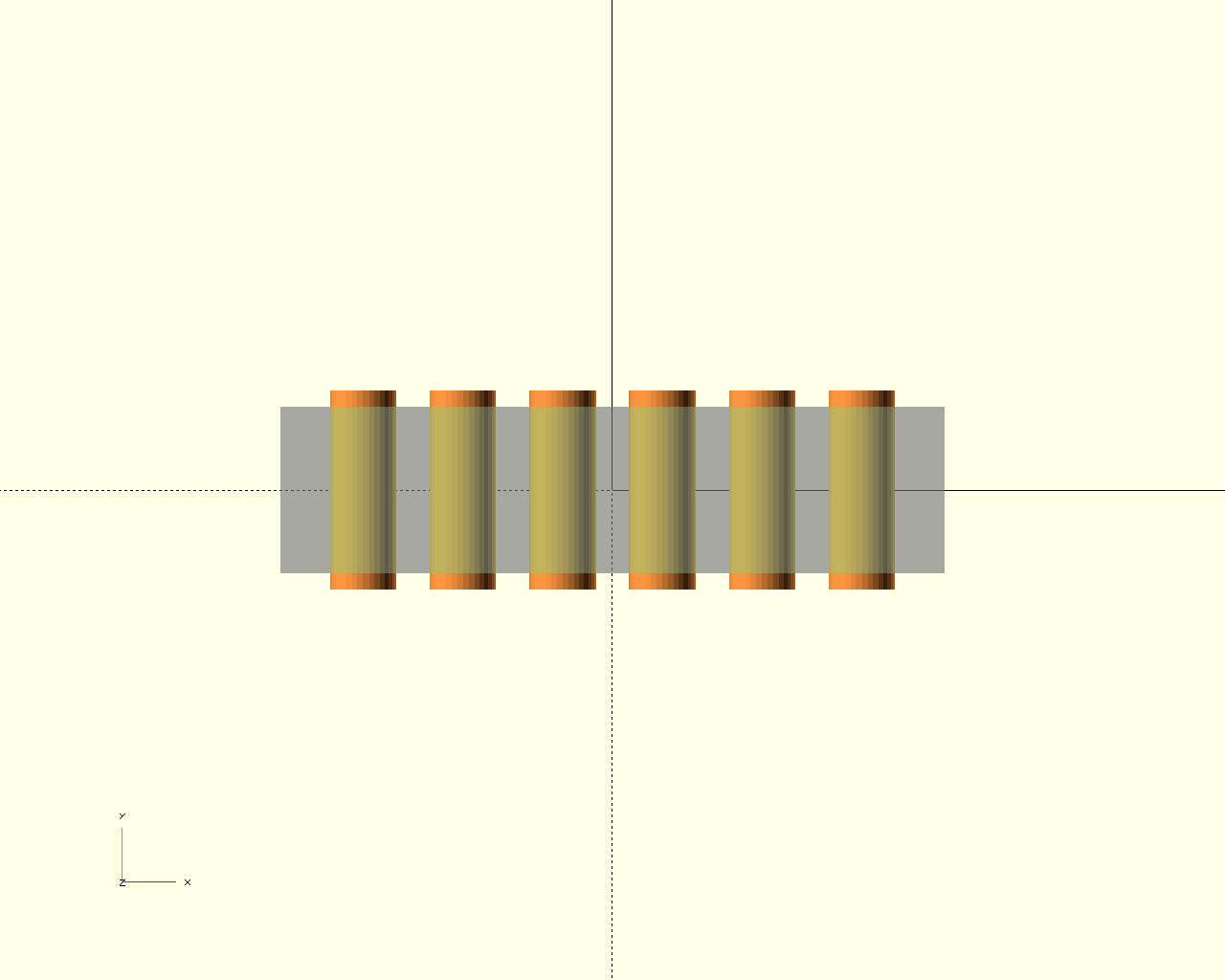 | 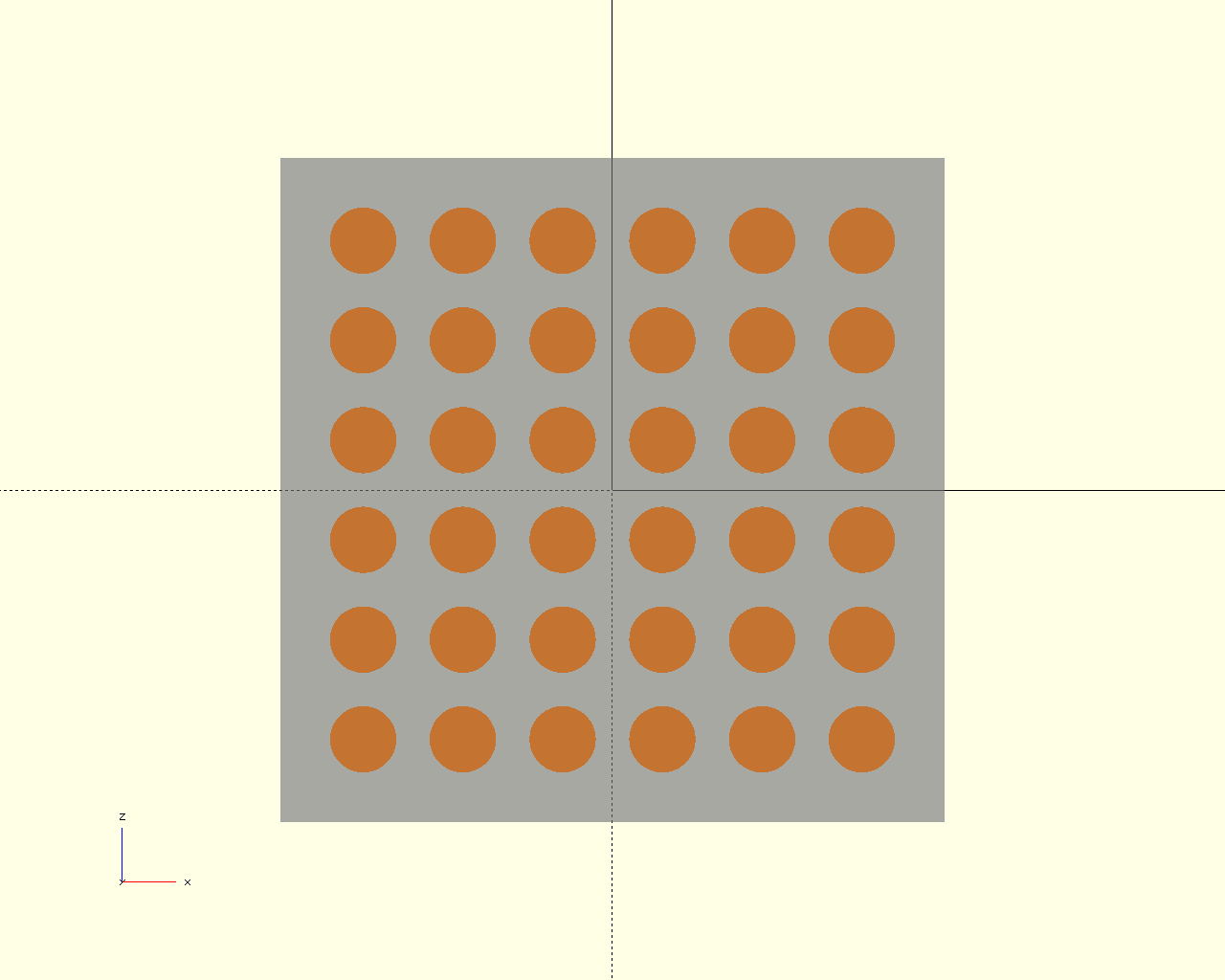 | 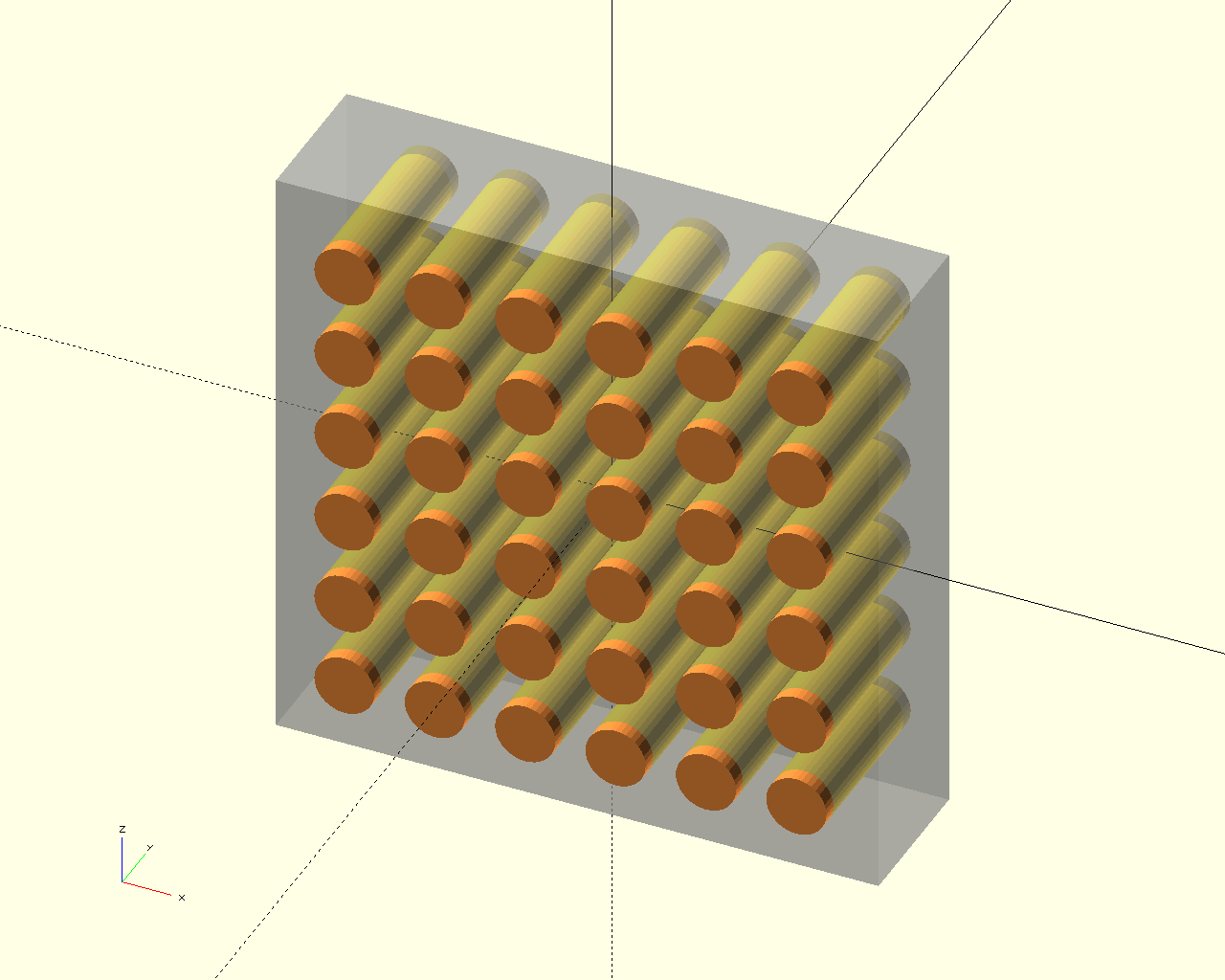 |
Definition at line 506 of file layout.scad.
Here is the call graph for this function: Here is the caller graph for this function: